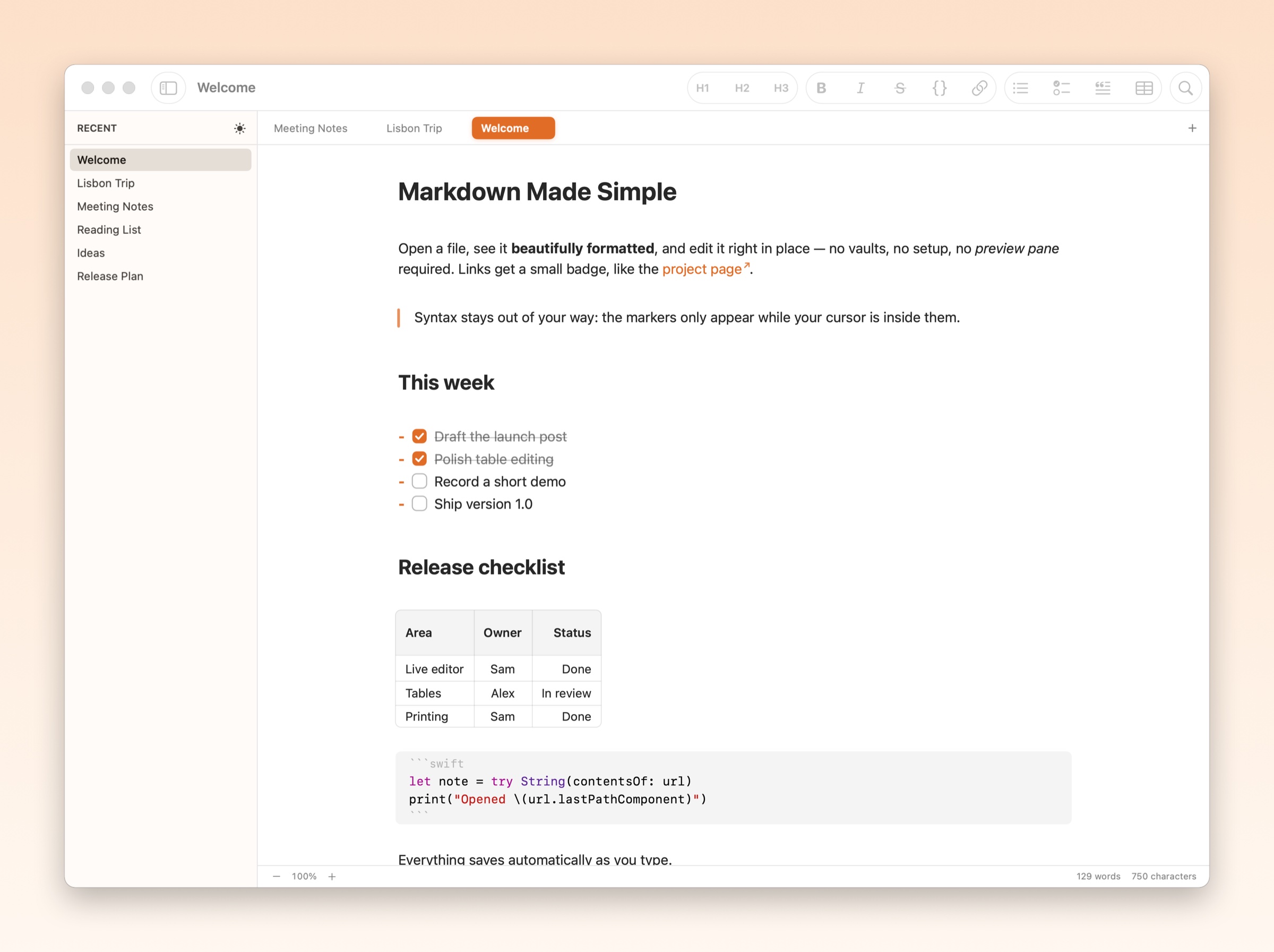
A native Mac markdown editor. Open a file, see it formatted, edit it in place. I designed it and built it end to end with Claude Code.
macOS app
SwiftUI + AppKit
Built with Claude Code
MIT license
My role
Everything
Product, design and build. Claude Code wrote the Swift; I decided what the app should do and how it should feel.
1day
from an empty project to a working app
48
commits, each one a decision I made
7.4k
lines of Swift, none typed by me
0
setup steps: no vault, no account
Why I built it
I wanted to double-click a markdown file and just read it, nicely formatted, then fix a typo without switching modes.
Code editors show every asterisk and pound sign. Obsidian looks great, but it wants a vault before it will open anything. Nothing on the Mac did the simple thing, so I built it. Three rules shaped every decision.
01
Syntax only where you're editing
Headings, bold, links and lists render as you type. A span's markdown markers appear only while your cursor is inside it, so the rest of the line stays clean. The hard rule: showing syntax must never move the text around it.
02
Tables are tables
Tables render as a real grid and stay that way while you edit. Click a cell and type. Tab moves to the next cell, and Tab past the last one adds a row. Copy a block of cells straight into a spreadsheet.
03
Nothing to set up
No vault, no account, no onboarding. Double-click a file in Finder and it opens, formatted. Changes save a second after you stop typing, and recent files wait in the sidebar.
Building it with Claude Code
I didn't write the code. I worked the way I'd work with an engineering team: I described the behavior and the feel, Claude Code built it, and I reviewed every change.
The first working version came together in a single day: 38 commits on August 12, from an empty project to tabs, a recents sidebar, editable tables and dark mode. Most of the work after that was the details only a designer notices. The commit log reads like a design review:
From the commit log
Fix 1px offset between sidebar header and tab strip
Flatten checkboxes: bigger, thin border, no shadows or gradient
Lighter cream sidebar (#fdf7f1)
Fix table cell text shifting on click
Preserve the scroll position across every table and checkbox action
Letting the app show its work
Claude Code works in a terminal, with no window to look at. So the app can check itself: one command renders any document to an image exactly as the editor draws it, and another measures every paragraph with syntax hidden and shown, and fails if a single line moves. Claude could verify a visual change before I ever opened the app. The recordings on this page were made the same way: the app driving itself offscreen, frame by frame.
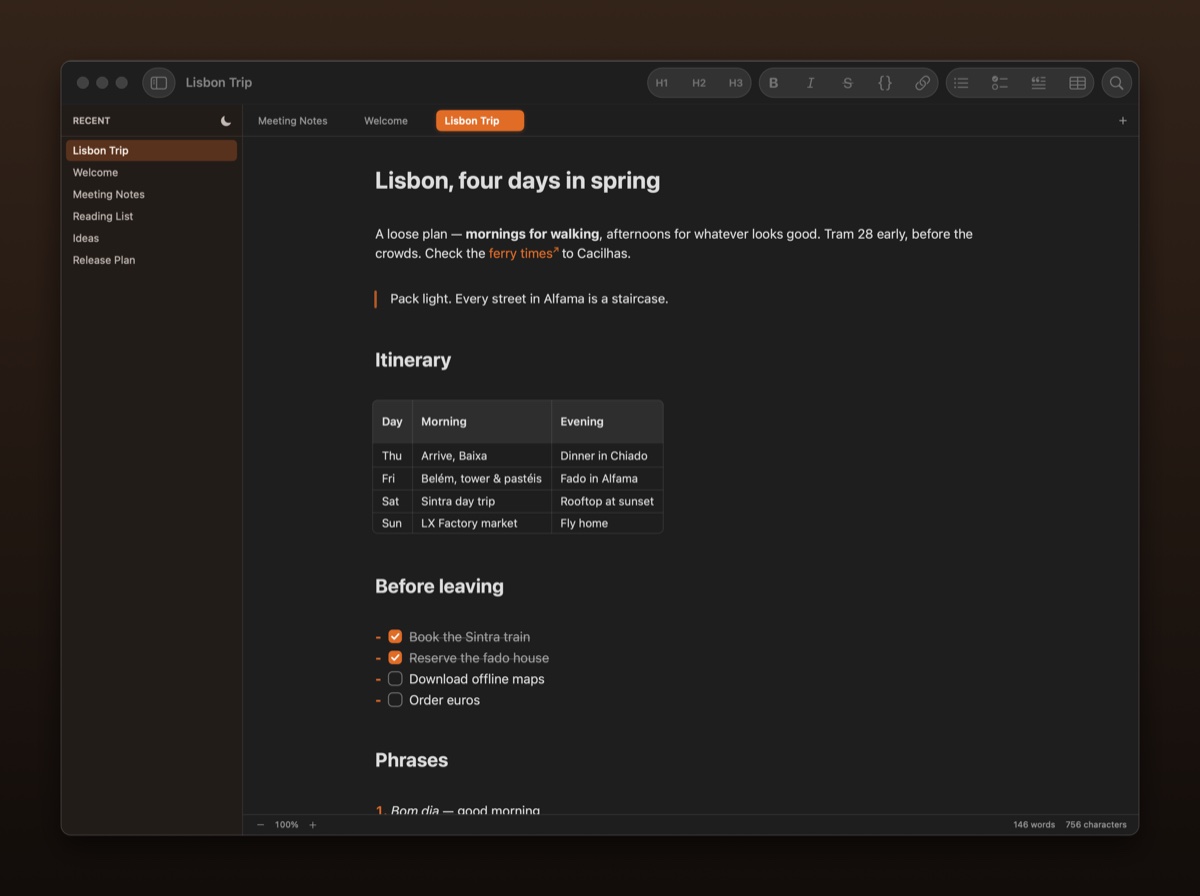
The details: Enter continues a checklist, a click ticks a box, and the sun in the sidebar flips the whole app to dark.Zoomed in on the tabs: one accent pill springs between them, a new tab scales in, and a dot marks unsaved changes as soon as you type.
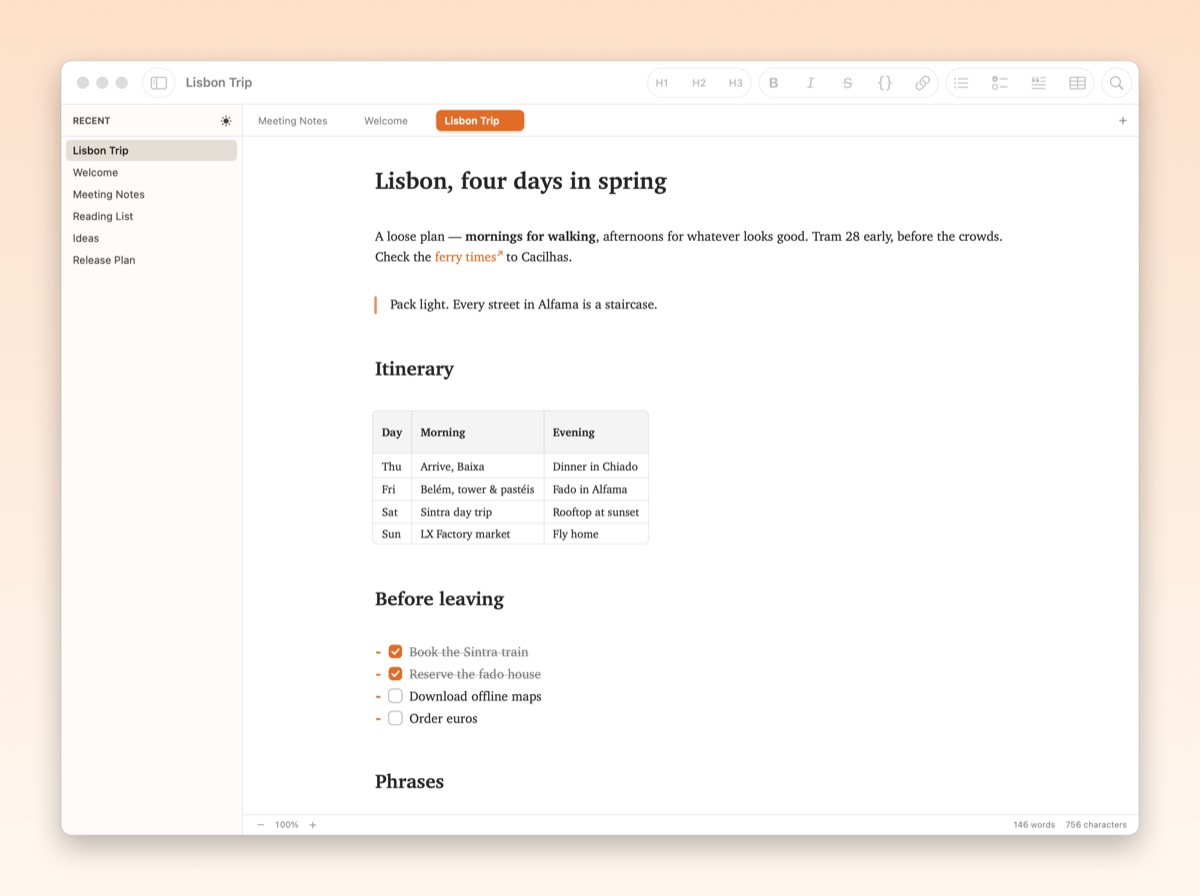
Dark mode, one click away in the sidebarAny installed font for your text, from Settings